Most people think they know their age — until someone asks for the exact number of days, or a form demands years, months, and days as of a specific date. That’s when the simple math gets messy. Leap years throw off day counts, months don’t all have the same length, and subtracting birth year from current year only works if the birthday has already passed this year.
This guide walks through exactly how age is calculated, the manual formula behind it, where that formula breaks down, and when it’s worth using an Age Calculator instead of doing it by hand.
What “Exact Age” Actually Means
Exact age (also called chronological age) is the calendar-accurate gap between a birth date and a reference date — usually today — expressed in complete years, plus the leftover months, plus the leftover days. It’s not an average or an estimate. A person who has lived 33 years, 4 months, and 12 days isn’t “about 33.4 years old” — that decimal shortcut ignores actual calendar lengths and produces a slightly wrong number.
This distinction matters more than it sounds. School admission cutoffs, retirement and pension eligibility, medical dosing charts, and legal age verification all rely on exact age, not an approximation.
How to Calculate Age Manually, Step by Step
- Subtract the birth year from the current year. If someone was born in 1990 and today is 2026, that’s 36.
- Check whether the birthday has occurred yet this year. If today’s month and day fall before the birth month and day, subtract 1 from the year total.
- Calculate the leftover months. Count from the last birthday month to the current month.
- Calculate the leftover days. Count from the last monthly anniversary of the birth date to today.
- Adjust for short months and leap years. If the birth day doesn’t exist in the current month (like someone born on the 31st, calculated in a 30-day month), borrow from the previous month using its actual day count — not a flat 30 or 31.
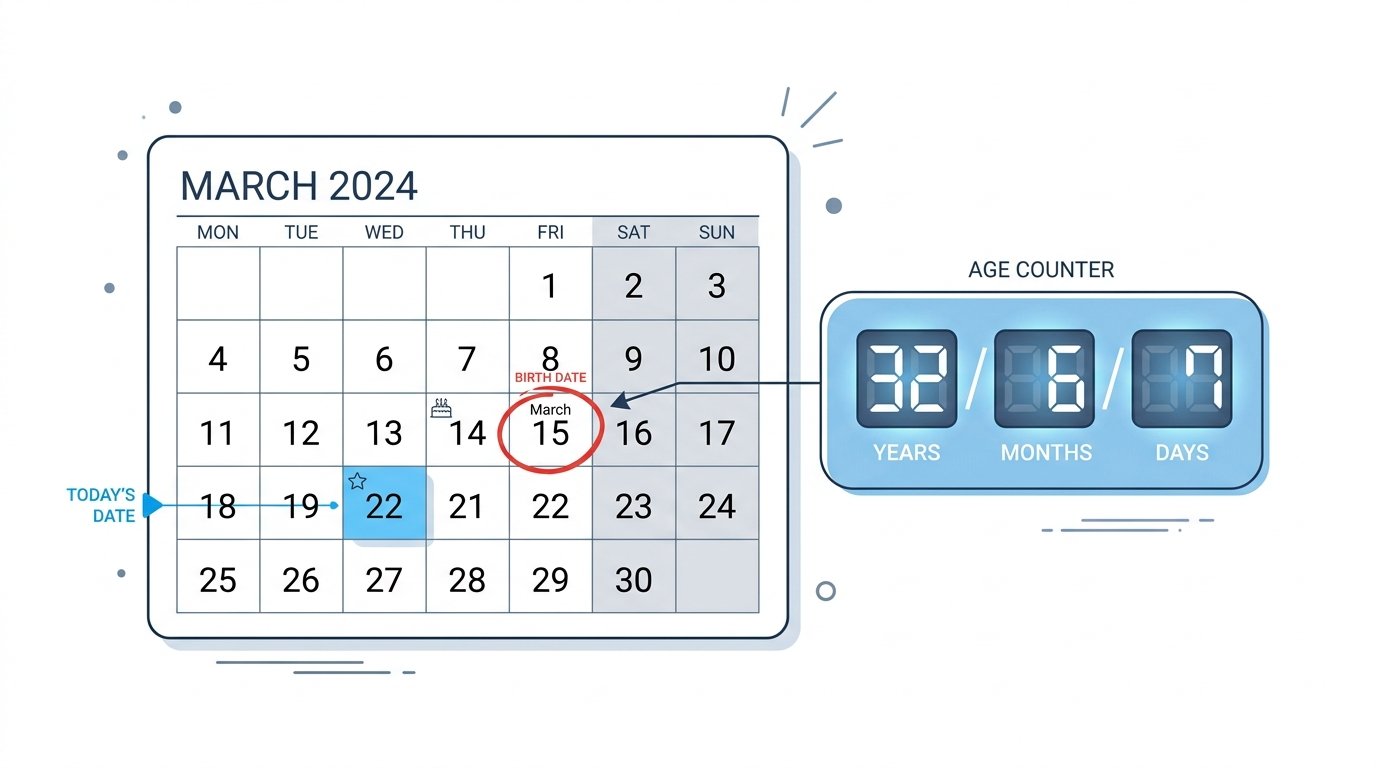
For example: someone born May 15, 1990, calculated against April 14, 2026, hasn’t had their birthday yet this year, so the age is 35 years — not 36. That single “has the birthday happened yet” check is where most manual calculations go wrong.
Where the Manual Method Breaks Down
The formula above works, but it’s easy to miscount by hand for a few reasons:
- February 29 birthdays. In non-leap years, there’s no February 29 to land on, so the “birthday” has to be treated as either February 28 or March 1, depending on the convention used. This creates a one-day discrepancy that most people don’t account for.
- Variable month lengths. Counting “one month” from January 31 doesn’t land cleanly on February 31 — it doesn’t exist. The correct approach rolls into early March, which trips up manual counting.
- Time zones and date-only math. If you’re calculating age using a timestamp rather than a plain date, time zone differences can shift the result by a day near midnight.
- Total days lived. Manually adding up total elapsed days across 30+ years, factoring in every leap year in between, isn’t realistic to do by hand accurately.
Manual Calculation vs. Using an Age Calculator
| Manual Calculation | Age Calculator | |
|---|---|---|
| Accounts for leap years | Only if you remember to check each one | Automatic |
| Handles variable month lengths | Error-prone | Automatic |
| Speed | Several minutes, prone to mistakes | Instant |
| Output formats | Usually just years | Years, months, days, total days, hours, weeks, next birthday |
| Past/future reference dates | Requires redoing the math | Just change the date field |
For a one-off rough estimate, doing it by hand is fine. For anything where accuracy matters — legal documentation, medical forms, HR records — a calculator removes the room for error.

Calculating Age in Excel
Excel doesn’t have a dedicated “age” function, but the YEARFRAC and DATEDIF formulas both handle it. YEARFRAC with basis 1 divides actual days per month by actual days per year, then gets rounded down to a whole number with ROUNDDOWN. DATEDIF can return the difference between two dates in years, months, or days directly, depending on the unit specified. Both work, but neither gives you every unit (years, months, days, weeks, total days) in one output the way a purpose-built calculator does.
Other Ways to Express Age
Depending on the context, “age” isn’t always asked for in years:
- Age in days — common for newborns and infants, where parents track age in days or weeks rather than months.
- Age in total elapsed time — years, months, weeks, days, hours, and even minutes, useful for milestone tracking (10,000 days old, for example).
- Age on a specific date — past or future, useful for calculating how old someone was when a historical event occurred, or how old they’ll be on a target date like a wedding or graduation.
Why Exact Age Matters Beyond Curiosity
Exact age calculations aren’t just trivia. They’re used for:
- School enrollment cutoffs, where a child must be a specific age by a specific date.
- Retirement and pension eligibility, where being even a few days short of a threshold can delay benefits.
- Medical dosing, especially for infants and children, where dosage is calculated by age in months or weeks, not years.
- Legal age verification, for contracts, licenses, and age-restricted purchases.
In each case, “about 35 years old” isn’t good enough — the exact figure is what’s required.
Try It Yourself
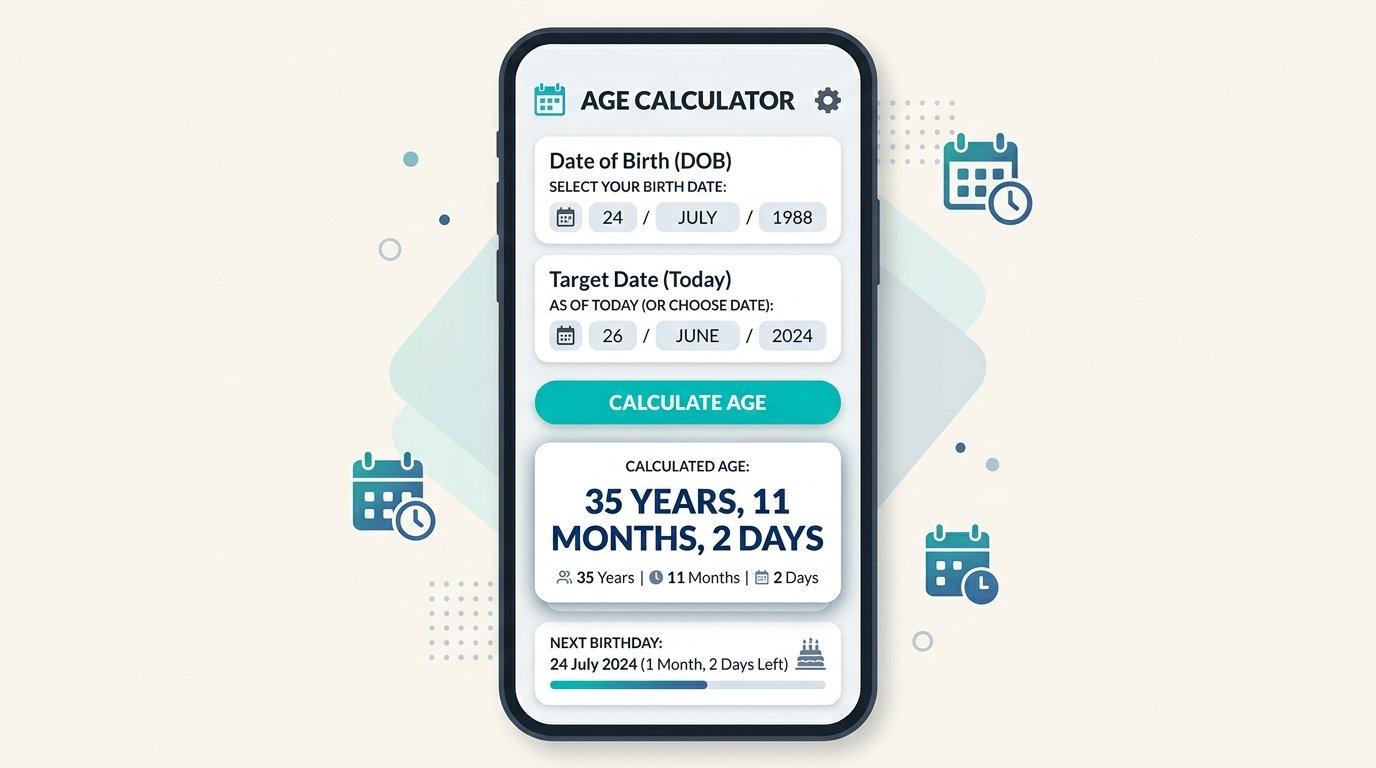
Rather than working through the manual formula every time, our Age Calculator handles leap year age calculation, variable month lengths, and multiple output units automatically — just enter a date of birth and get your exact age in years, months, days, and total days instantly.
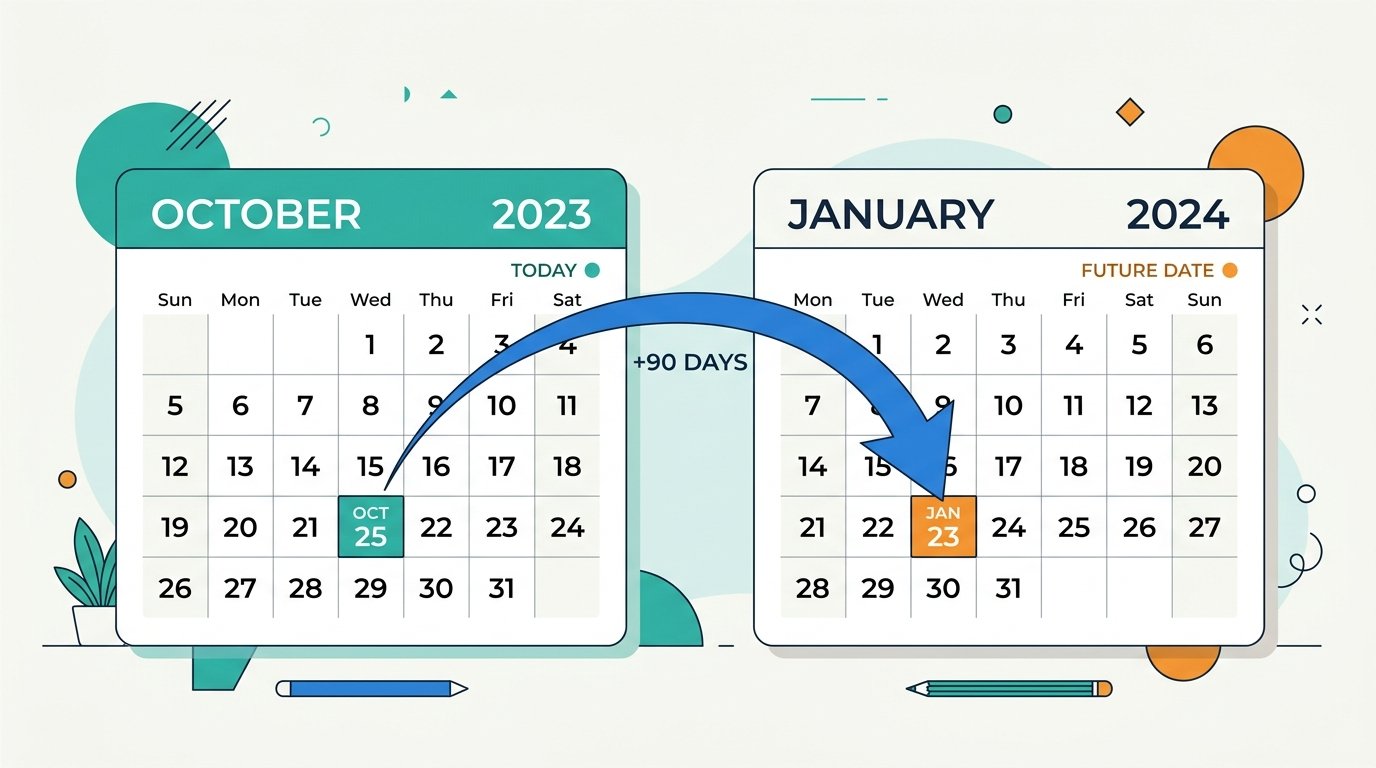
If you’re working with two dates instead of one — measuring the gap between an event and today, for example — the Days Between Dates calculator is built for that. Need to count only business days for a deadline? Use the Working Days Calculator. And if you need to find a date a certain number of days from today, the Add/Subtract Days tool does that instantly.