You know roughly how old you are. What you probably don’t know off the top of your head is how many days that actually adds up to, or what your age will be on a specific date next spring. That’s the gap this age calculator closes: enter a date of birth, and you get your exact age broken down into years, months, weeks, days, hours, minutes, and even seconds if you want to get precise about it.
This page covers how the tool works, how age gets calculated behind the scenes, and the situations where getting the number exactly right actually matters — school enrollment cutoffs, legal age thresholds, and the surprisingly common task of figuring out someone else’s age from a birth date on a form.

See your exact age from any date of birth
What is an age calculator?
An age calculator is a tool that works out the time elapsed between two dates — usually a birth date and today — and expresses it as a readable age. Instead of doing the subtraction by hand (and getting tripped up by different month lengths or leap years), you enter a date of birth, and the calculator returns your age broken into years, months, and days, along with totals in weeks, hours, and minutes if you want them.
The underlying math sounds simple: subtract one date from another. In practice, it’s fiddly enough that people get it wrong constantly. Months don’t have the same number of days. February has 28 days most years and 29 every fourth year. If you were born on January 31 and someone’s counting months to “the 31st” of a 30-day month, there’s no 31st to land on. A calculator handles all of that consistently, every time, which is the whole point of using one instead of counting on your fingers.
How to calculate your age with this tool
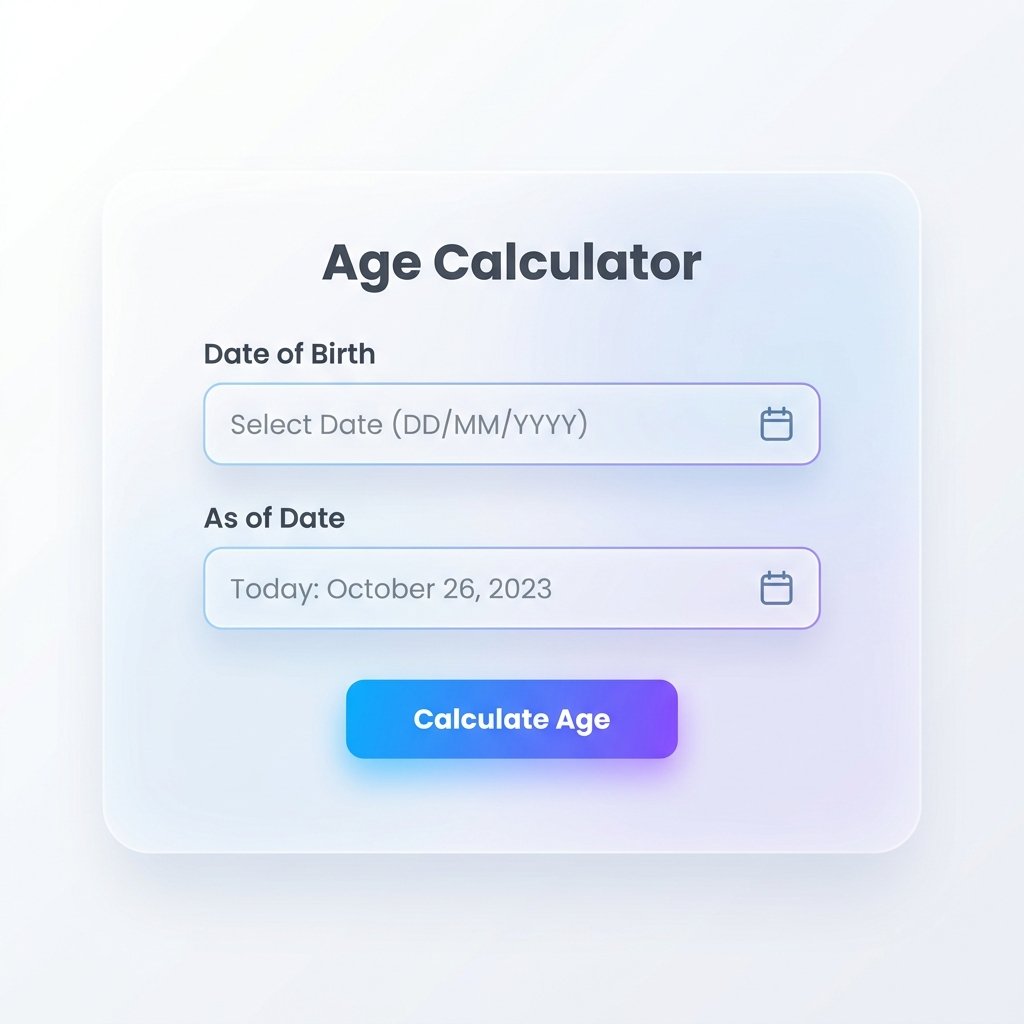
Enter your birth date and the date you want your age as of
- Enter your date of birth. Use the day, month, and year fields, or your device’s date picker if one’s available.
- Choose the “as of” date. Leave it set to today if you want your current age. Change it to any other date if you want your age on a specific day in the past or future.
- Add a birth time (optional). If you know your exact time of birth, entering it gives you an age accurate to the minute instead of just the day. Without it, the calculator defaults to midnight.
- Click calculate. Your age appears broken down by years, months, and days, with additional totals in weeks, hours, minutes, and seconds underneath.
- Adjust the “as of” date if needed. Want to know your age on your wedding date, or how old you’ll be when you retire? Change the second date and recalculate.
That’s the entire process. No account, no download, no waiting.
Age calculator by date of birth vs. age calculator between two dates

Two ways to use the same calculator
These sound like the same tool, and mechanically they are — but people search for them with slightly different intent, so it’s worth being explicit about both.
| Age calculator by date of birth | Age calculator between two dates | |
|---|---|---|
| What you enter | One date (birth date); today is assumed as the end date | Two custom dates, neither has to be today |
| Typical use | “How old am I?” or “How old is my child?” | Time between a historical event and now, or between any two arbitrary dates |
| Output | Current age in years, months, days | Duration in years, months, days between the two dates entered |
If you’re calculating your own age or a family member’s current age, you want the first mode. If you’re working out how long ago something happened, or how old a person was at a specific past event (their wedding day, a graduation, a death), you want the second. This calculator handles both — the birth-date mode is just the two-dates mode with “today” pre-filled as the second date.
Chronological age vs. running age
There are two ways to describe someone’s age, and mixing them up causes more confusion than you’d expect.
Chronological age is your completed age — the number of full years you’ve lived. If you were born on June 10, 1994, you turn 32 on June 10, 2026. Until that date arrives, you’re still 31, even on June 9. This is the age system used on IDs, forms, and virtually every legal or administrative context.
Running age counts the year you’re currently living through, not the years you’ve completed. Under this system, the day after your 31st birthday, you’d already be described as being “in your 32nd year.” A few cultures — most notably in parts of East Asia — traditionally count age this way, sometimes adding a year at birth itself rather than starting from zero.
This calculator uses chronological age, since that’s the standard for nearly every practical purpose: school enrollment, contracts, medical records, and everyday conversation. If you’ve ever been confused about why a family member’s stated age didn’t match what you calculated from their birth date, a running-age vs. chronological-age mismatch is often the reason.
Why an exact age matters more often than you’d think
“How old am I” seems like a question with an obvious answer — until you need precision for something specific. A few real situations where the exact figure, not the rounded one, is what actually gets used:
School and sports enrollment cutoffs. Many school districts and youth sports leagues set a hard age cutoff on a specific date — a child must be 5 by September 1, for example. Parents use an age calculator to check a child’s exact age on that cutoff date months in advance, rather than guessing.
Legal and administrative age thresholds. Voting age, drinking age, driving age, and retirement eligibility are all defined by exact date, not birth year. Someone born in December calculating whether they’ll be old enough for something in January needs an exact answer, not an approximation.
Forms that ask for age, not birth date. Plenty of applications, medical intake forms, and government paperwork ask for your current age as a number, calculated as of the day you’re filling it out. Getting that number wrong by miscounting is a common, avoidable error.
Curiosity about round numbers. How many days have you actually been alive? When do you cross 10,000 days, or 30,000? These are the kind of numbers people look up for a milestone birthday or just out of genuine curiosity, and they’re near-impossible to calculate accurately by hand.
Working out someone else’s age from a birth date. A grandparent’s birth date on an old document, a historical figure’s age at a specific event, a pet’s age converted from a birth date on file — anywhere you have a date but need an age, this same tool applies.
Age expressed in different units

Your age in whichever unit you need
Years and months are the default, but depending on what you’re using the number for, a different unit makes more sense.
Weeks and days matter most for infants. Pediatricians and parents alike track a newborn’s age in weeks for the first several months, since development milestones are measured on that scale rather than in fractions of a year. “14 weeks old” means something specific in a way “3 months” doesn’t quite capture at that stage.
Total days lived is the number people look up around milestone birthdays. Someone turning 30 has lived roughly 10,957 days — a figure that sounds a lot more dramatic than “30 years,” even though it’s the same span of time.
Hours, minutes, and seconds are mostly a curiosity, but they’re where an accurate birth time actually changes the output. Without a birth time, the calculator assumes midnight, which is close enough for a day-level answer but will be off by up to 24 hours if you want your age down to the hour.
Decimal age — expressing age as a single number like 31.42 years instead of “31 years, 5 months” — shows up in research and clinical contexts, where a continuous number is easier to compare across a dataset than a broken-down date format.
Special cases the calculator handles automatically
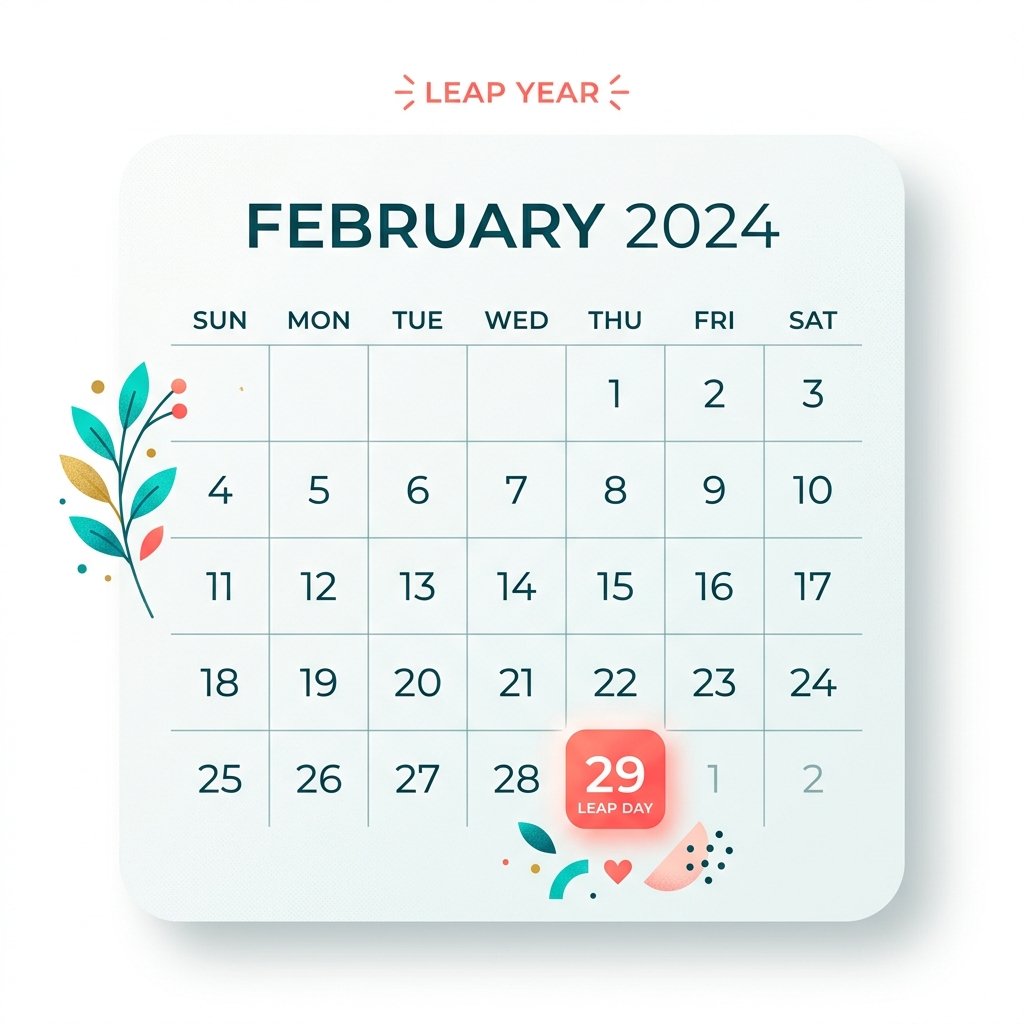
How leap-year birthdays are counted
Leap years. February 29 exists once every four years (with a few exceptions at the century mark), and any manual age calculation that ignores this will drift by a day here and there. If you were born on February 29 itself, the calculator treats your birthday as falling on February 28 in non-leap years for the purpose of counting completed years — the same convention most legal systems use.
Dates before your own memory or documentation. Calculating a grandparent’s exact age from an old birth certificate, or a historical figure’s age at a documented event, works the same way as calculating your own — enter the birth date and the date you want the age as of.
Future dates. Setting the “as of” date to a day next year tells you exactly how old you’ll be then — useful for planning around a milestone birthday, an event, or a legal threshold you’re approaching.
Newborns and infants. For a baby, entering the birth date and today’s date gives an age in weeks and days automatically, which is the unit most relevant at that age rather than a fraction of a year.
Common mistakes people make calculating age by hand
Forgetting the birthday hasn’t happened yet this year. The most common manual error: subtracting birth year from current year without checking whether the birthday has occurred yet. Someone born on November 3, 1990 is still 35 on October 1, 2026, not 36 — the year subtraction alone (2026 − 1990 = 36) overstates it until the birthday actually arrives.
Miscounting days across months of different lengths. 30 days hath September, April, June, and November — the rest have 31, except February. Manual day counts across month boundaries are one of the easiest places to be off by one or two days.
Ignoring leap years entirely. Over a span of decades, leap years add up to real differences. A 40-year span includes roughly ten leap years, meaning ten extra days that a naive calculation (just multiplying years by 365) will miss.
Confusing chronological and running age. As covered above, this produces an answer that’s off by exactly one year, in a way that looks plausible enough that the error often goes unnoticed.
Final thoughts
Age looks like a single number until you actually need it broken down for something specific — a form, a cutoff date, a milestone, or just genuine curiosity about how many days you’ve been alive. The math behind it is more error-prone by hand than most people expect, mostly because of leap years and uneven month lengths, and that’s exactly the kind of small, repetitive calculation a tool should be doing for you instead.
Enter your date of birth above to get your exact age right now, or set a different date to check your age on any day in the past or future.
Calculate your exact age now — free, instant, no sign-up required.