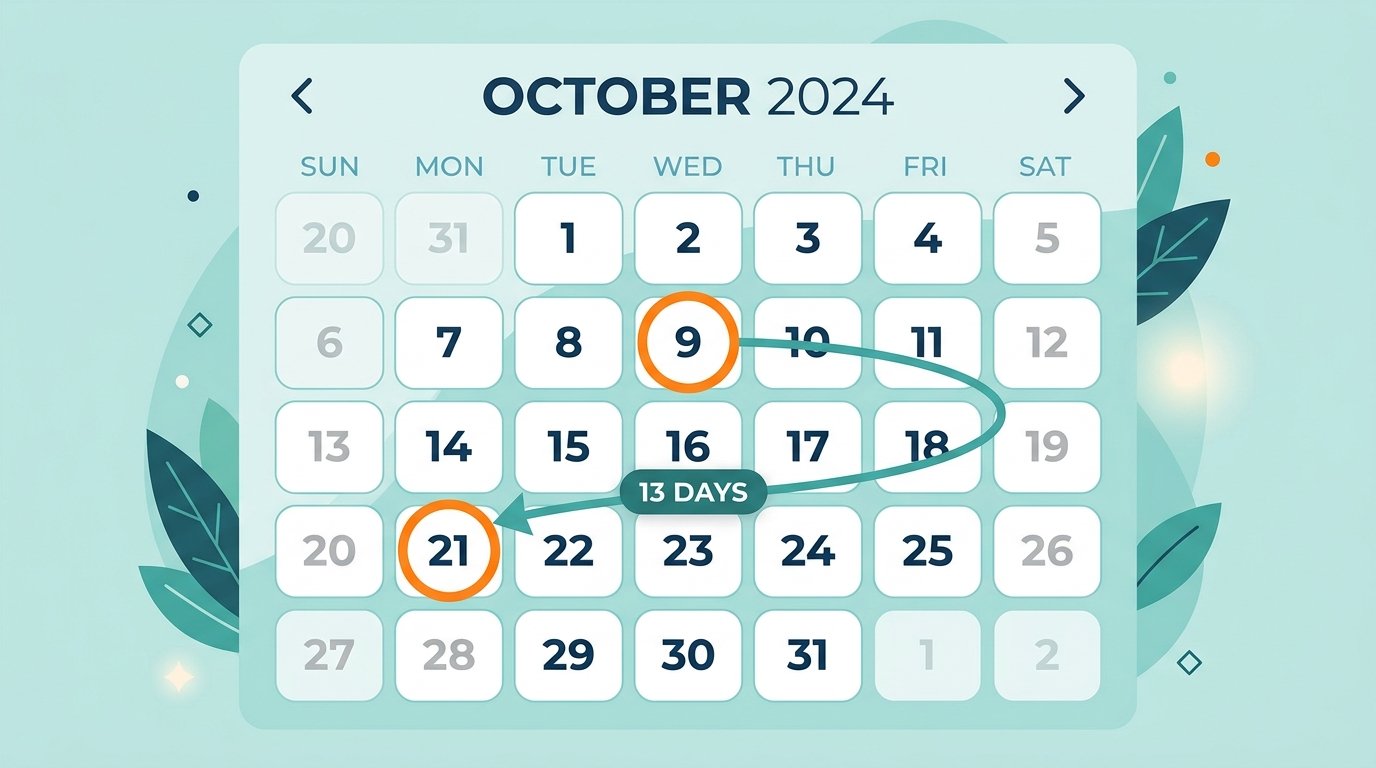
Total days between two dates and working days between them are rarely the same number — and mixing them up is a common way project deadlines and payroll calculations end up wrong. Weekends alone remove roughly 2 out of every 7 days, and public holidays cut further into that count depending on the range.
What Counts as a Working Day
Typically Monday through Friday, excluding public holidays. The exact definition can shift by country, industry, and even company policy — some businesses treat Saturday as a working day, others don’t, so it’s worth confirming the definition before running the count.
How to Calculate Working Days Manually
- Count the total calendar days between the start and end date.
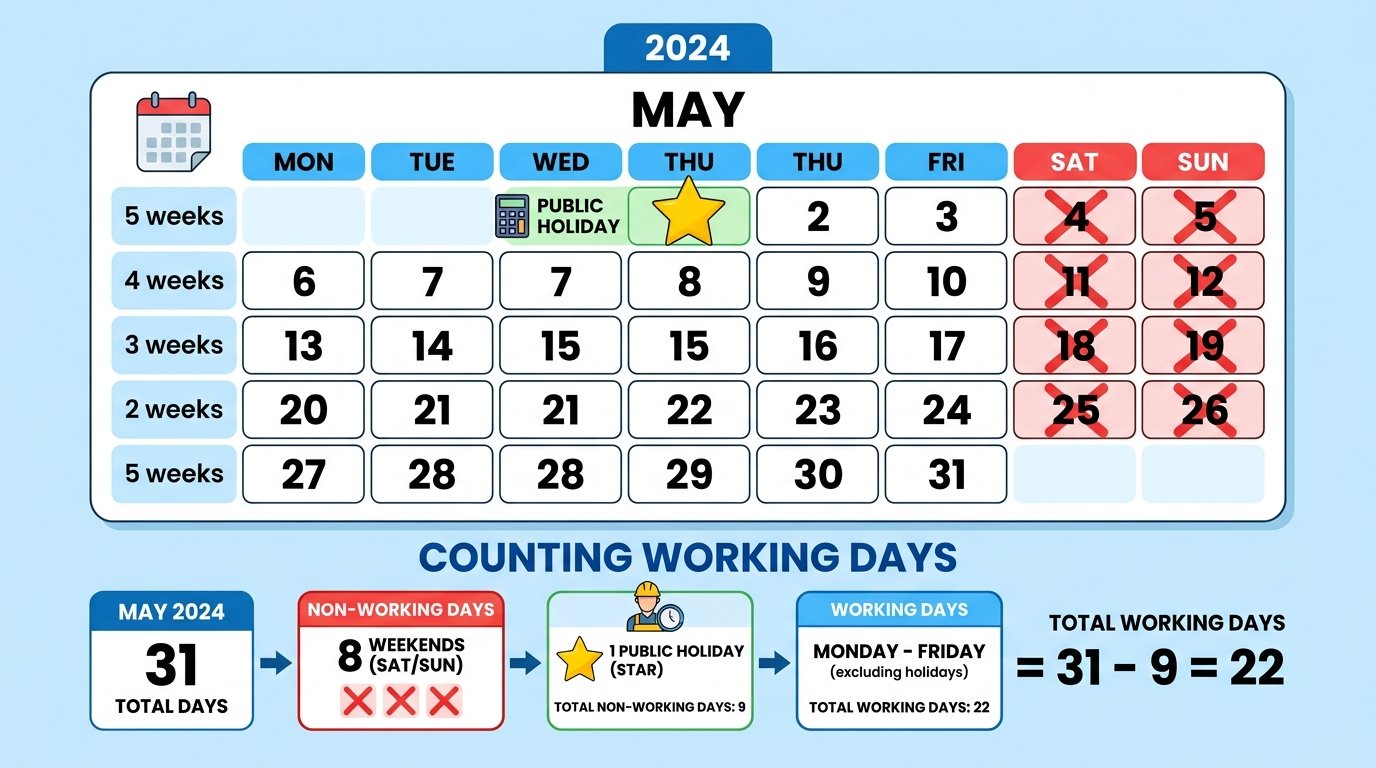
- Subtract the weekends. Divide the total days by 7, multiply by 2 to estimate weekend days, then adjust for partial weeks at the start or end.
- Subtract public holidays that fall on a weekday within the range.
- Decide whether to include the start date, end date, or both — the same inclusive/exclusive question that applies to any date-range calculation.
Example: from June 1 to June 30 (30 calendar days), there are 4 full weekends (8 weekend days), leaving 22 weekdays. If one public holiday falls on a weekday in that range, the working day count drops to 21.

Common Mistakes
- Forgetting regional public holidays, especially when working across teams in different countries.
- Assuming a flat “22 working days a month” — the real number varies depending on how weekends and holidays fall that particular month.
- Not adjusting for partial weeks at the start or end of the range, which throws off the weekend subtraction.
Working Days in Excel
Excel’s NETWORKDAYS function calculates this directly — start date, end date, and an optional list of holiday dates to exclude. It automatically excludes Saturdays and Sundays, but you have to supply the holiday list yourself for it to be accurate.
Manual vs. Calculator
| Manual Count | Working Days Calculator | |
|---|---|---|
| Weekend exclusion | Manual estimation | Automatic |
| Public holiday exclusion | Requires a list you track yourself | Often built in or selectable |
| Accuracy over long ranges | Drops significantly | Stays accurate |
Why This Matters
Payroll, project deadlines, SLA agreements, and delivery estimates are almost always measured in working days, not calendar days — quoting “10 days” when you mean 10 working days versus 10 calendar days can shift a deadline by nearly a week.
Try It Yourself
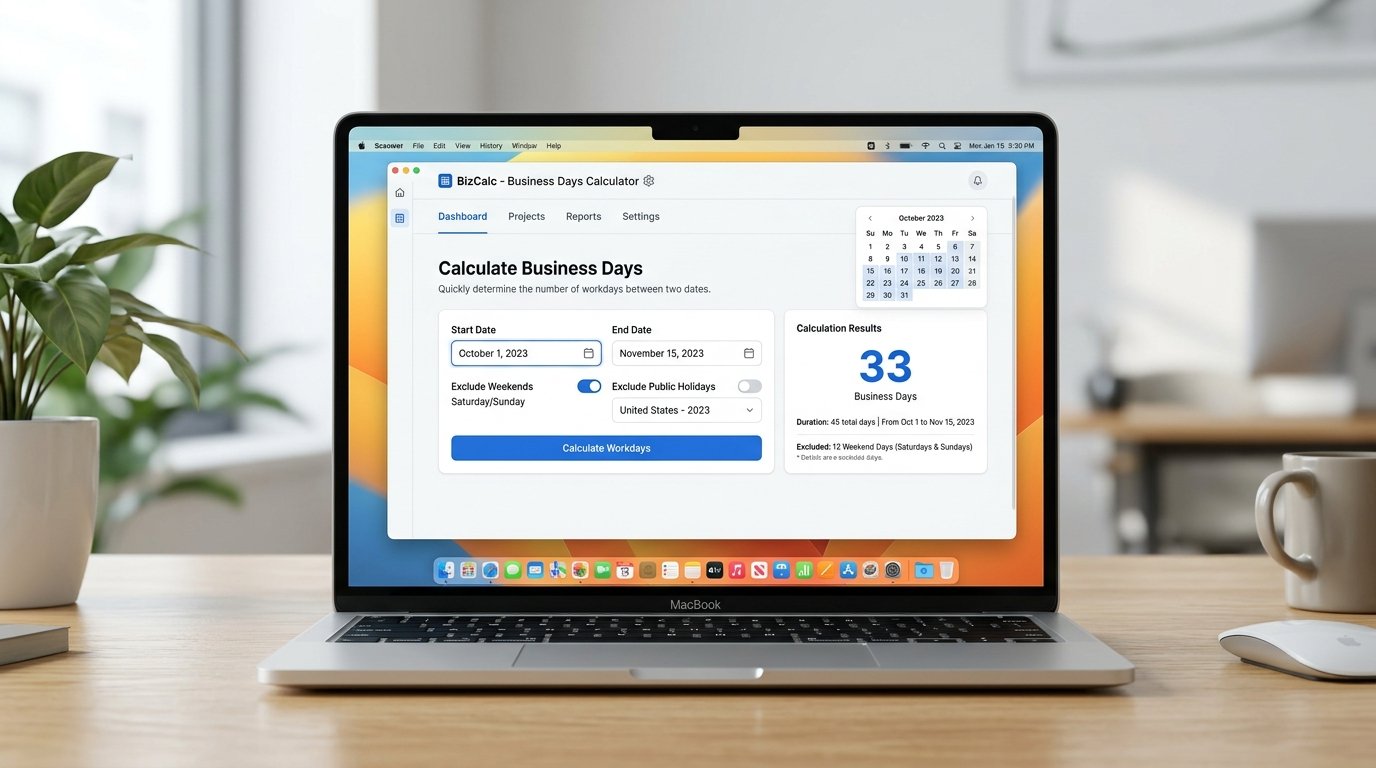
Our Working Days Calculator excludes weekends automatically and lets you factor in holidays, giving you an accurate business-day count instantly.
If you need the raw calendar-day gap instead, use the Days Between Dates calculator. Need to find a working day a set number of days from today? The Add/Subtract Days tool covers that too.