A “5 business day” deadline and a “5 calendar day” deadline rarely land on the same date — and mixing the two up is one of the most common ways SLAs, shipping estimates, and legal response windows get miscalculated.
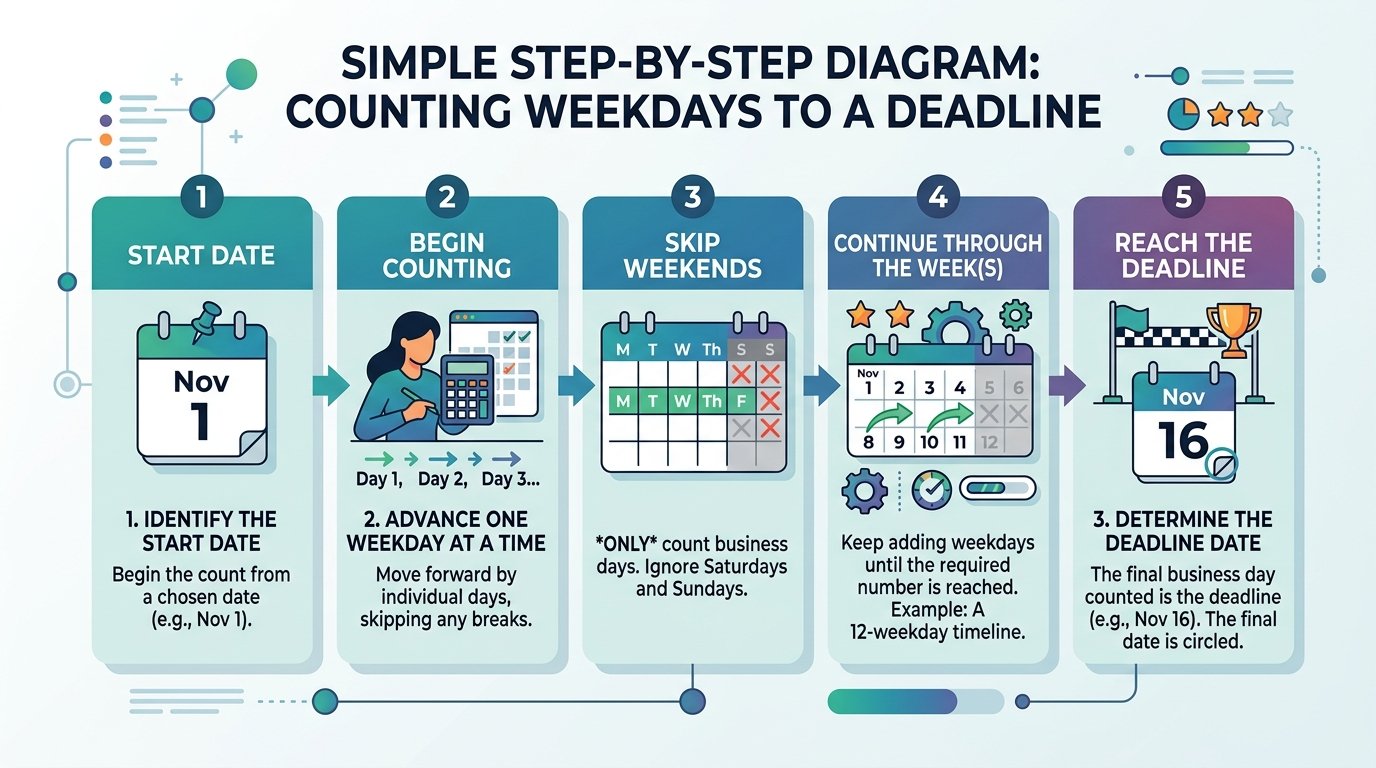
How to Add Business Days Manually
- Start from the given date.
- Move forward one day at a time.
- Skip Saturdays and Sundays — they don’t count toward the total.
- Skip public holidays that fall on a weekday, if your deadline definition excludes them.
- Stop once you’ve counted the required number of business days. The final day you land on is the deadline.
Example: 5 business days from a Wednesday. Thursday (1), Friday (2), skip Saturday and Sunday, Monday (3), Tuesday (4), Wednesday (5) — the deadline lands on the following Wednesday, not the following Monday.

Why Business Days Take Longer Than They Look
Because weekends are skipped, a business-day count always spans more calendar days than the number suggests. 10 business days, for example, spans 14 calendar days if it starts right after a weekend — and even more if a public holiday falls inside that window. Most calculators count the start date as day zero, not day one, so it’s worth confirming that convention before relying on a manual count.
Common Mistakes
- Forgetting to skip holidays, not just weekends.
- Miscounting the starting point — whether the start date itself counts as day one.
- Assuming business days are the same across countries — public holiday calendars differ significantly between the US, UK, India, and elsewhere.
Try It Yourself
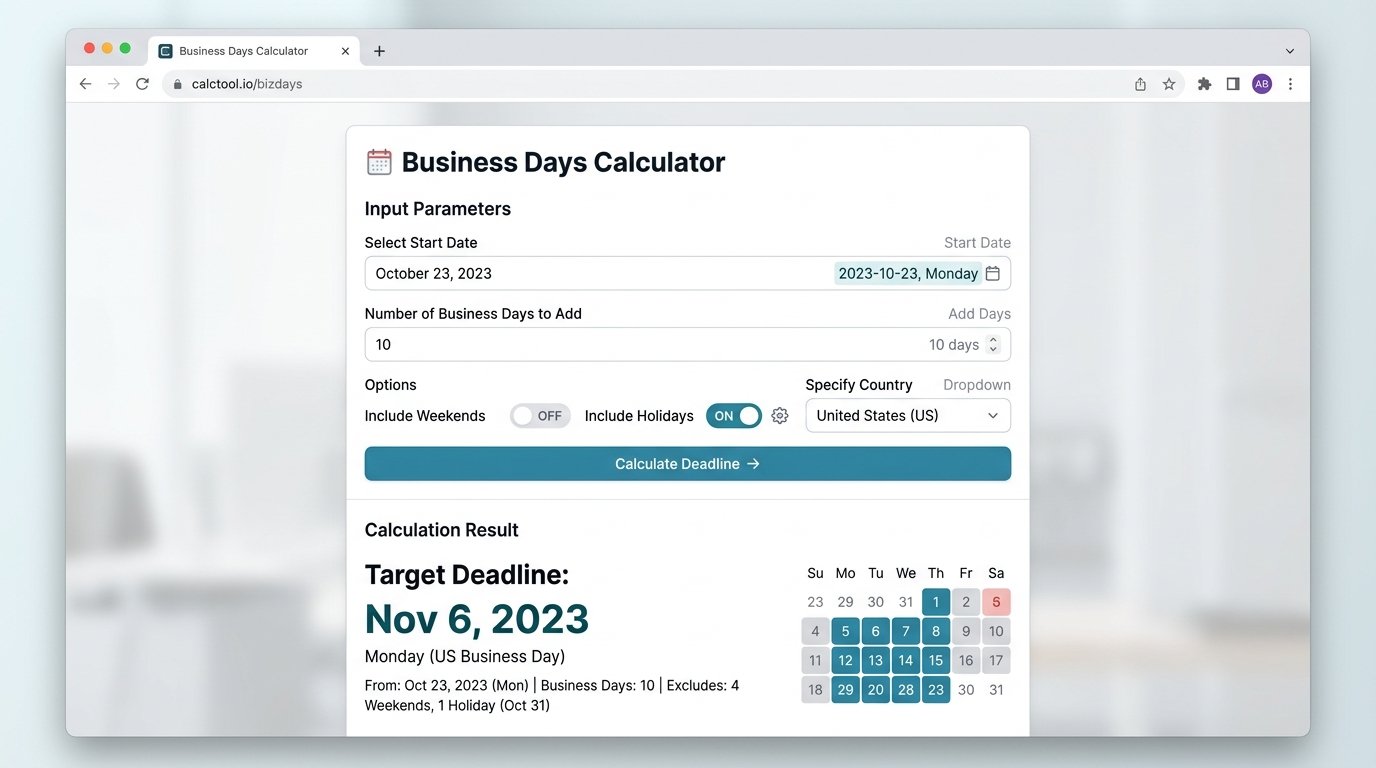
Our Working Days Calculator adds business days to any start date automatically, skipping weekends so you get the exact deadline instantly. For a raw calendar-day version instead, use the Add/Subtract Days tool. To check the working-day gap between two known dates, the Days Between Dates calculator handles that too.